1. Two additions solve different problems
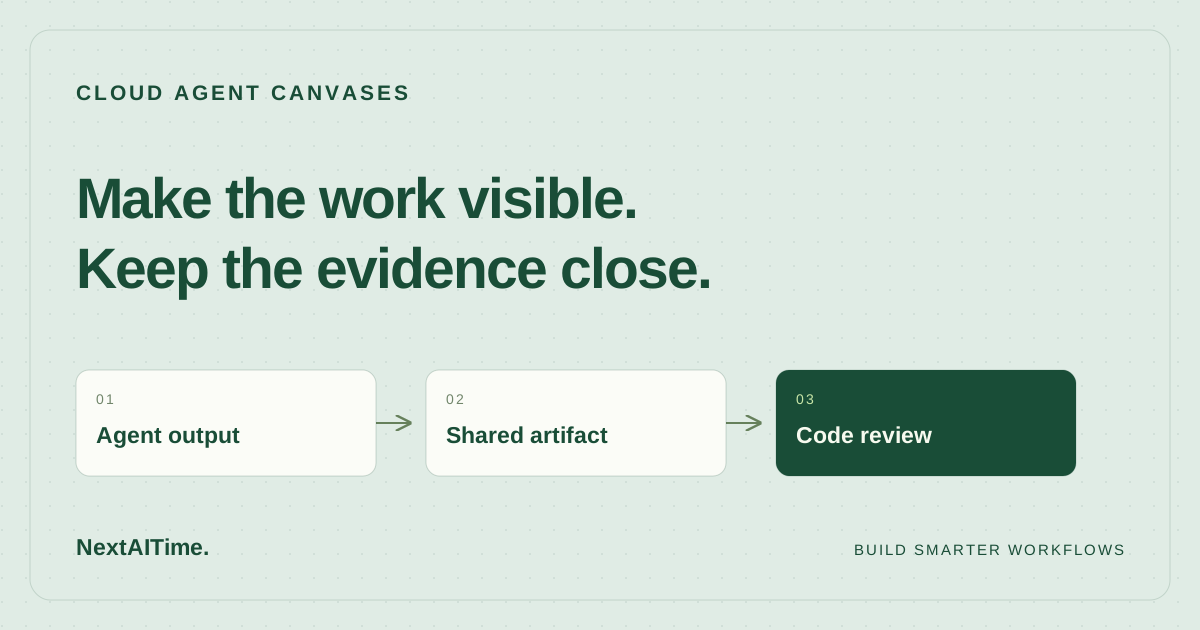
The October 16 changelog announces cloud-agent canvases, a beta API for creating and managing cloud environments, and support for up to 300 repositories per environment. Cursor also says large environments load five times faster. That speed claim is the vendor’s; we have no independent measurements or baseline details.
Canvases address how you inspect an agent’s output. Environment management addresses where that agent runs. A team may benefit from a clearer report without needing an API integration. Treat these as separate adoption decisions, especially when the same person writes code, reviews changes, and maintains tooling.
This is source-based news analysis of official pages accessed October 23, 2026. We have not run a cloud agent, published a canvas, or exercised the API. The evaluation steps below are proposals, not test results.
2. Make the canvas answer a review question
Cursor’s canvas documentation describes interactive artifacts beside the chat that you can reopen, edit, and rerun with fresh data. Suggested uses include dashboards, analysis, audits, and reports. Cloud agents can now produce them during their work.
For a small software project, a useful first request could be a dependency-upgrade report: affected packages, compatibility concerns, changed files, and verification still outstanding. Ask for the source command or file behind each conclusion and a clear distinction between observed results and proposed next steps.
A polished view can reduce the work of finding information, but it cannot establish that the underlying claim is correct. If a canvas says a migration is safe, follow the evidence into the diff and relevant checks. Our AI code review workflow provides a separate acceptance process for the resulting code.
3. A share link has concrete eligibility limits
The documentation says publishing a canvas creates a share that teammates can open in a browser with read-only access. Publish also refreshes the share. The dashboard’s Shared Canvases page lists your own published canvases; it does not list teammates’ shares, so another person still needs the link.
Sharing is available on eligible paid plans, and free accounts cannot create shares. More consequentially for an independent developer, the documentation requires team membership: an individual paid subscriber can share if they also belong to a team. Do not assume a paid individual account alone enables this handoff.
Sharing also requires a privacy mode that permits data storage; Legacy Privacy Mode blocks it, and team administrators can disable Shared Canvases. Verify these settings before promising a report to a collaborator. The documented access is for team members, so a canvas share should not be your assumed customer-demo or public-report channel.
4. Fix the setup before automating it
The beta Environments API is relevant when repeated environment creation or maintenance has become a task in its own right. Cursor’s API reference lists environment creation, listing, retrieval, updating, and deletion. Its public-beta notice warns that APIs may change before general availability.
Before writing an integration, make one environment reliable through the existing setup flow. Cursor’s setup documentation says saved environments use their saved configuration; a committed .cursor/environment.json is read only when the environment’s location points to that file. Committing configuration alone therefore does not prove a saved environment uses it.
The same documentation requires idempotent install scripts and separates prepared disk state from running processes. Put repeatable dependency preparation in installation and start services through startup configuration. These details matter more to a two-person project than the maximum repository count.
5. Run a narrow pilot with an explicit stop rule
Choose an ordinary task on a branch, such as a bounded dependency update. Ask the cloud agent for a canvas that lists its scope, the commit examined, checks actually run, failures, and unresolved questions. Keep the repository diff and test output as the underlying evidence.
If sharing is eligible, publish the canvas and have a teammate open the link. Verify they can identify the work under review and understand what remains incomplete. Refresh the share after a correction and check the recipient sees the intended version. These are suggested checks; this article does not establish refresh timing or reliability.
Record setup time, clarification messages, and review effort. Stop expanding the pilot if the report adds maintenance without making a decision easier. Use the task criteria in our coding-assistant evaluation guide to keep that judgment tied to useful work.
6. Adopt the part that earns its upkeep
Try canvases when agents already produce reports you or a teammate struggle to navigate. Confirm team access and privacy settings first. If plain text plus a pull request already communicates the decision clearly, keep that simpler workflow until a concrete reporting problem appears.
Consider the Environments API when you repeatedly manage configurations and can maintain a beta integration. Keep a manual recovery path and verify the intended environment after changes. A stable single-repository setup may offer little reason to add another automation layer.
This release supplies useful building blocks, but it does not demonstrate reduced review time or better code quality. We make no price or savings claims. The practical adoption threshold is a repeatable handoff: a reviewer can understand the artifact, inspect its evidence, and reproduce the relevant check without reconstructing the entire chat.
Sources & further reading
Primary references used for product and technical information. Features and terms can change; check the provider before committing.
- Cursor changelog: Cloud Agent Canvases and Environment ImprovementsAccessed 2026-10-23
- Cursor Docs: CanvasesAccessed 2026-10-23
- Cursor Docs: Cloud Agents APIAccessed 2026-10-23
- Cursor Docs: Cloud Agent SetupAccessed 2026-10-23