1. Write the rule before the implementation
The rule is simple: each invoice line contributes its amount, even when another line has the same price. Two separate $12.50 items must total $25.00. Use integer cents here so the example stays focused on counting line items instead of floating-point rounding.
This is a constructed teaching example, not a transcript of an assistant making a mistake. The same verification process applies whether an assistant, a teammate, or you wrote the function. We ran the included files locally with Python 3.11.2 on Linux on October 18, 2026. No AI provider was evaluated.
Before asking for a fix, settle the meaning of duplicate. These inputs represent separate invoice lines with equal prices. They do not represent repeated delivery of the same billing event. Deduplicating an event by its identifier could be appropriate elsewhere; deduplicating prices changes this requirement.
2. Start with a function that looks plausible
Download invoice_buggy.py, invoice_fixed.py, and test_invoice.py into one folder. The README includes commands for macOS, Linux, and PowerShell. You need Python 3 and no third-party packages.
The buggy implementation converts the input to a set:
def invoice_total(items):
    return sum(set(items))
It returns 2,000 cents for [1250, 750], so a quick check with different prices passes. But sets remove repeated values. With [1250, 1250], it returns only 1,250 cents. The problem is visible once the input reflects the requirement; a larger or more realistic-looking fixture would not necessarily expose it.
3. Make the repeated-price case a regression test
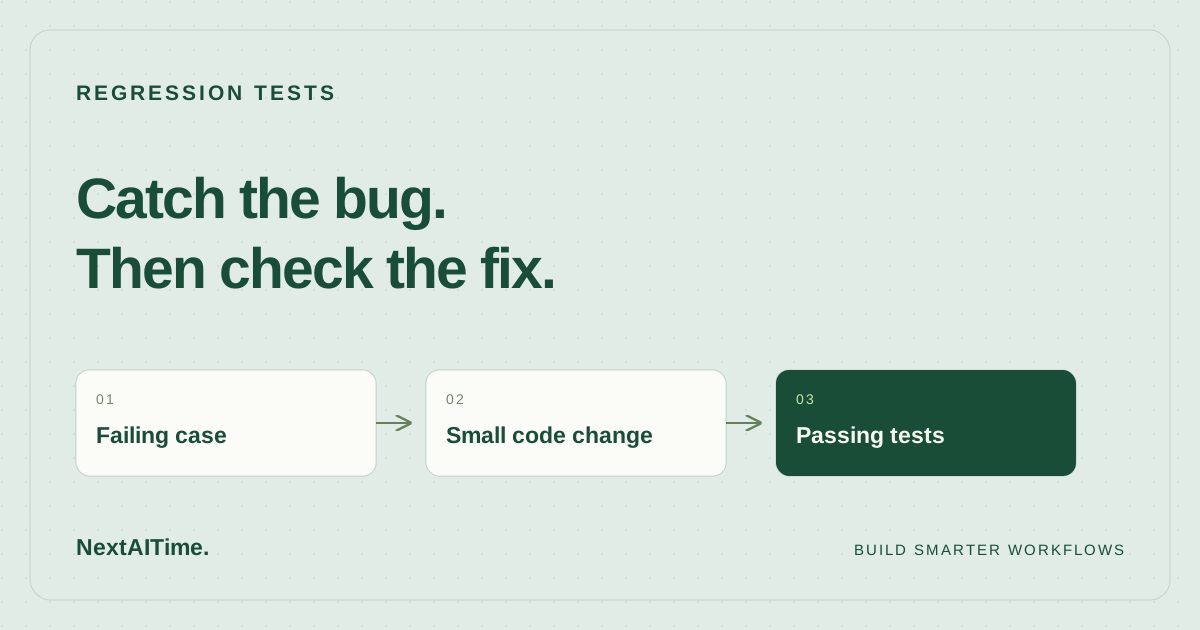
A regression test preserves a behavior that a bug or later edit could break. The decisive assertion is a literal expected total derived from the invoice rule. Avoid computing that expectation using the same algorithm as the implementation, because both could repeat the same mistake.
import os
import unittest
from importlib import import_module

invoice_total = import_module(os.environ.get("INVOICE_MODULE", "invoice_buggy")).invoice_total


class InvoiceTotalTests(unittest.TestCase):
    def test_distinct_items(self):
        self.assertEqual(invoice_total([1250, 750]), 2000)

    def test_equal_prices_are_separate_line_items(self):
        self.assertEqual(invoice_total([1250, 1250]), 2500)

    def test_empty_invoice(self):
        self.assertEqual(invoice_total([]), 0)


if __name__ == "__main__":
    unittest.main()
The environment variable selects an implementation while leaving the tests unchanged. Without a value, the example selects the buggy version. The distinct-price test retains ordinary behavior, the empty-invoice test states a boundary choice, and the repeated-price test exposes the defect. All three expectations should be understandable without reading the function.
In your own repository, import the real module directly. The switch exists here so you can reproduce both states side by side. Keep the failing input as small as possible: two equally priced lines are enough to explain this bug.
4. Confirm an assertion failure, not a setup error
From the folder containing the downloaded files, run this in a macOS or Linux shell:
INVOICE_MODULE=invoice_buggy python3 -m unittest -v test_invoiceOur local run executed three tests. Two passed; the repeated-price test failed with the following result:
AssertionError: 1250 != 2500
FAILED (failures=1)
The process exited with status 1. That failure is expected at this stage: it demonstrates that the test rejects the known bad behavior. Read the assertion and confirm that it points to the amount you intended to check.
An import failure, missing file, or syntax error is different. A nonzero exit alone does not show that your regression test catches the defect. Resolve setup errors until the test actually reaches the assertion. Python's unittest output distinguishes failures from errors; inspect the summary and traceback instead of treating every unsuccessful run as evidence.
5. Apply the small fix and rerun the same tests
The fixed function sums every line:
def invoice_total(items):
    return sum(items)
Select it without editing the expected results:
INVOICE_MODULE=invoice_fixed python3 -m unittest -v test_invoiceOur fixed run completed all three tests with OK and exit status 0. The regression distinguishes the two implementations, and the other cases still pass. Keep the repeated-price assertion when you integrate the fix into your application.
If an assistant proposes a much larger patch, ask why each additional change is needed. Review the diff yourself. A focused repair is easier to connect to the observed failure, but a small diff still needs tests. In an existing project, run its relevant broader checks after this targeted case passes; nearby callers may rely on behavior this example never exercises.
6. Carry the method into your next code change
Give your coding assistant the requirement, failing input, expected result, and exact test command. Ask it to explain the failure before changing code, preserve the assertion, and report the command's actual outcome. Check the output yourself rather than accepting a prose claim that everything passed.
This exercise establishes only the behavior of three local integer-cent inputs. It does not test taxes, discounts, negative amounts, invalid types, database writes, payments, security, or concurrent requests. Choose additional cases from your application's contract. For example, decide whether a negative line represents a refund before writing an assertion about it.
Use the small-team AI code review workflow to place the test alongside diff review and project checks. If you are choosing an assistant, the task-based coding tools shortlist helps define a trial. Keep the acceptance case independent of that choice: the required invoice total should remain the same whichever tool produces the patch.
Sources & further reading
Primary references used for product and technical information. Features and terms can change; check the provider before committing.
- Python documentation: unittest — Unit testing frameworkAccessed 2026-10-18