1. What Cursor actually announced
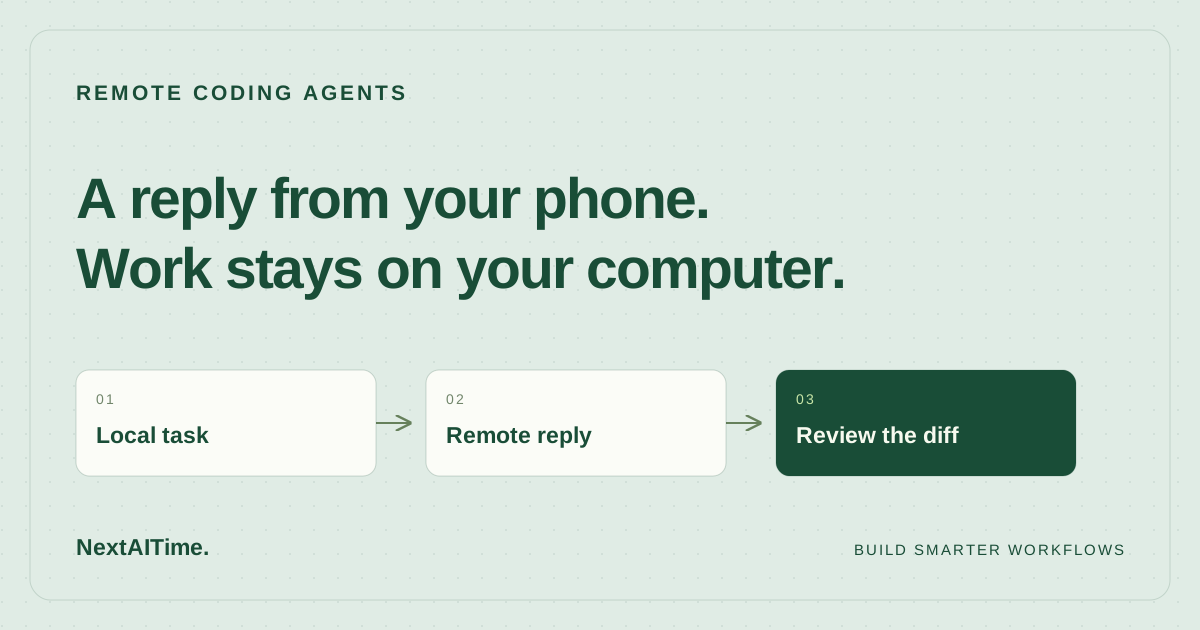
The October 6 changelog describes a straightforward connection: sign in to the Cursor iOS app, choose a computer associated with your account, and approve the pairing request in Cursor on that computer. Your local agents then appear in a list, where you can inspect activity or send a message.
Cursor says Remote Control is on by default except for Enterprise organizations. Enterprise administrators can enable it under Org settings > Security and identity > Remote control. The announcement also explicitly says cloud agents are not required.
This is source-based analysis of official pages accessed October 21, 2026. We have not tested pairing, reconnection, latency, or behavior across account plans. The release establishes the intended workflow; it does not establish how reliably a particular laptop, network, and repository will support it.
2. Your computer remains part of the workflow
The most consequential detail is where execution happens. Cursor says remote control keeps the agent on your computer and connects the app to it. The machine must remain on and online. That makes this useful for continuing an existing local workflow, especially when reproducing the development environment elsewhere would take work.
It also creates a practical limit: walking away with your phone does not make the task independent of your laptop. Before leaving, check power, connectivity, and sleep settings. Cursor documents a “Keep this computer awake” setting under Remote Control in the desktop app and says the computer needs to be plugged in with its lid open.
The mobile product page describes cloud agents separately as running in isolated virtual machines. Choose based on the environment your task needs and whether your computer can remain available. Remote access alone does not answer that decision.
3. The strongest use case is a short clarification
Consider a bounded refactor already underway on your development machine. The agent asks whether an old configuration name must remain supported. If the answer is in your head, a short phone reply could let it continue while you are away. That is a plausible use case, not a measured productivity result.
Prepare the task so a small reply is enough. Define the files or component in scope, the behavior to preserve, and the command that should verify the change. Ask the agent to report blockers and the exact checks it ran. A request such as “keep the legacy variable working and add a regression case” is easier to review later than an instruction to improve the whole configuration system.
For a small team, also name the person responsible for the branch. A phone reply should not leave teammates guessing who accepted a scope change. Put decisions that affect compatibility into the task or pull request so the next reviewer has the same context.
4. Keep code acceptance attached to evidence
A convenient reply channel can make it tempting to approve work from a summary. Keep your acceptance criteria separate from the agent’s confidence. A completed message should point to the changed files, the relevant diff, and actual test output. If the phone view leaves a behavior unclear, inspect it on a larger screen before accepting the change.
For example, an agent changing a password-reset handler should demonstrate the required expiration and single-use behavior. A general statement that tests passed tells you less than the names and outcomes of the relevant cases. The same principle applies to a simple UI change: inspect the state affected by the patch, including the failure or empty state when relevant.
Use our small-team AI code review workflow to keep diff review, verification, and the decision to merge connected. Remote control changes how you communicate with the agent; your project still needs an explicit definition of acceptable work.
5. Run a small trial before relying on it
Start with a branch and a task you can easily undo. This checklist is a proposed evaluation, not a report of tests we performed:
- Confirm you can sign in, find the intended computer, and approve pairing from the desktop app.
- Start a narrow local task and check that the same agent appears on your iPhone.
- Send a specific follow-up and verify on the computer that the agent received the intended instruction.
- Check the documented power and lid requirements before trying a longer session away from the desk.
- Inspect the final diff and rerun the relevant project checks before merging.
- Record any connection failures and how much intervention the session required.
For a shared repository, agree which actions require a teammate’s review before the trial. Keep deployment and production changes outside the first experiment. The goal is to establish whether the communication loop works for your setup without mixing that question with a high-impact release.
6. Decide whether the interruption is worth solving
Try this feature if you already use local Cursor agents, have an iPhone, and regularly lose useful progress because an agent needs a brief answer while you are away. It is less compelling when your computer cannot stay online or most questions require studying several files before responding.
Track a few sessions using simple notes: what blocked the agent, whether you could resolve it from the phone, and whether the resulting patch met the original requirements. Count the review time too. Faster replies are helpful only when they lead to work you can confidently accept.
The announcement does not provide enough detail to infer plan-specific costs, connection guarantees, or data-routing and retention behavior, so this article makes no claims about them. Check those separately if they affect your decision. For now, the concrete opportunity is modest and useful: keep a local coding task moving through a short exchange, then return to the evidence before you ship.
Sources & further reading
Primary references used for product and technical information. Features and terms can change; check the provider before committing.
- Cursor changelog: Remote control for local agentsAccessed 2026-10-21
- Cursor MobileAccessed 2026-10-21