1. Start with a result you can check
Choose one recurring task with a visible outcome. For example: turn a set of source notes into a draft briefing, suggest a response to an incoming request, or prepare a proposed code change. Keep the first version small enough that a person can inspect the entire result.
Write an acceptance checklist before designing the workflow. A briefing might require a source for every material claim and a clear separation between facts and suggestions. A proposed code change might require a reproducible issue, a bounded diff, and relevant validation.
Avoid goals such as “handle operations” or “grow the business.” They describe an ambition, but do not tell the system when a specific task is complete.
2. Map the handoffs
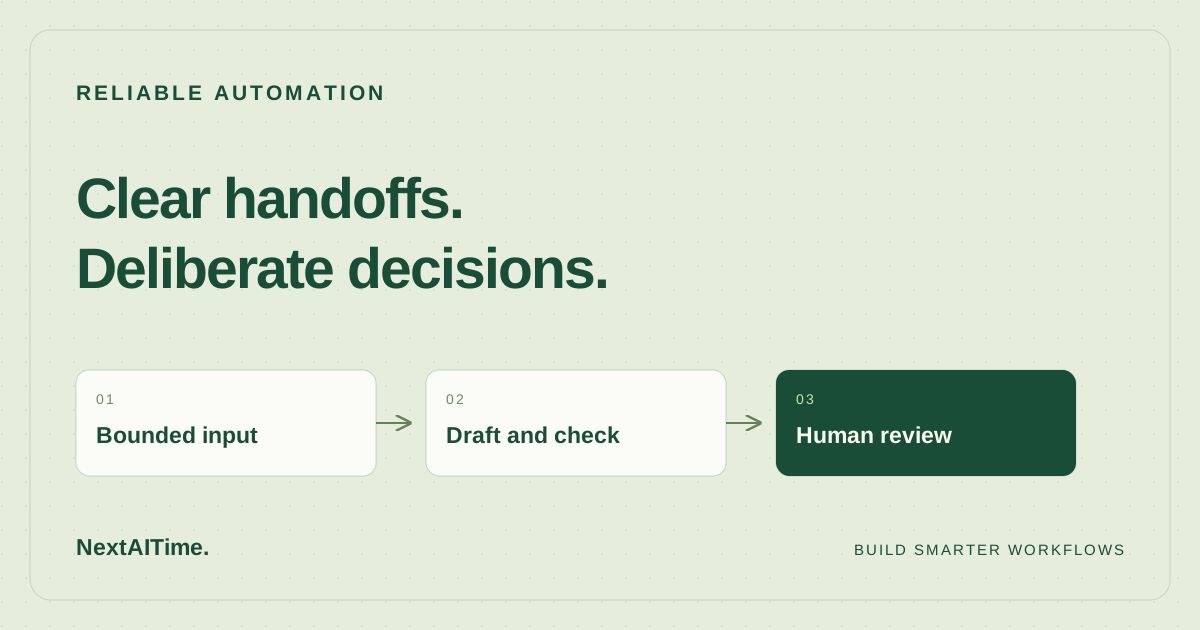
Sketch the workflow as a short sequence. For a research briefing, that could be: receive a question, collect sources, extract evidence, draft an answer, check claims, and request approval. Each handoff should produce something inspectable.
- Input: the question, relevant files, and permitted sources.
- Intermediate record: sources and the claims they support.
- Output: a draft with unresolved questions marked.
- Decision: accept, revise, or stop with a specific reason.
If a step needs information that no earlier step supplies, fix that gap before adding more automation. An extra agent does not replace a missing input.
If the design needs access to external tools or resources, use the MCP workflow guide to plan the connection and its permissions. Keep the same inspectable handoffs when adding an integration.
Worked example: draft a support reply with a review gate
This illustrative pilot uses synthetic support messages and a local draft folder. It is a design example, not a measured deployment or a claim about any automation platform. The task is to prepare a reply to a cancellation question using an approved policy document; a person reviews the draft before anything is sent.
- Define the input: a stable request ID, synthetic message text, policy version, and an allowlisted destination for local drafts. Leave customer records and outbound sending out of this pilot.
- Extract evidence: save the relevant policy passage and its section identifier. If the policy is unavailable, stop with a missing-source status instead of inventing an answer.
- Draft and check: produce the proposed reply, supporting policy section, unresolved questions, and a status of ready for review or needs clarification. Require a policy reference for every policy claim.
- Record the decision: a reviewer accepts, revises, or rejects the draft. Acceptance completes this pilot; sending a message would be a separate workflow with its own authorization.
For example, if a message asks “Can you cancel my plan and refund the last invoice?” but the supplied policy covers cancellation only, the expected result is a draft about cancellation with the refund question flagged for human review. A confident promise of a refund fails the pilot, even when the cancellation guidance is correct.
Use a local record keyed by request ID and policy version. On a repeated request, return the existing draft or flag a version conflict; do not silently create another action. If draft writing times out, check for that record before retrying. For this pilot, allow at most one retry after checking the saved state, then stop and preserve the error.
Download the automation pilot cases (CSV). The six synthetic cases cover an ordinary request, an unsupported policy question, a missing source, repeated input, a write timeout, and instructions embedded in the message. Fill in observed results, review minutes, cost, and corrections after running each case. The expected outcomes are acceptance criteria, not reported results.
3. Give each step only the access it needs
Keep reading, drafting, and publishing separate. A research step may need to read documentation but not edit the website. A drafting step may need to write a local file but not send an email. A publishing step needs an approved artifact and a specific destination.
Document the tools and external systems each step can use. Keep credentials outside prompts and generated content. Treat text retrieved from websites or documents as material to evaluate, rather than instructions that can change the task.
4. Specify how failure looks
Decide what to do when a source is unavailable, a tool times out, or a checker disagrees with the draft. Useful failure handling names the missing input and preserves completed work. It does not turn an unknown answer into a confident one.
Set a retry limit and a cost boundary. Retrying the same request indefinitely can make a small error expensive without improving the result. After the limit, return the evidence, the last failure, and a concrete choice for the person supervising the workflow.
If an external action might have partially succeeded, check the destination before retrying it. Include a stable task identifier in your own records so you can tell one attempt from another.
5. Pilot it with human review
Run several representative examples before increasing autonomy. Include an ordinary case, a missing-information case, and an input the workflow should refuse or return for clarification. Record what happened, not just whether the run finished.
Measure review time, corrections, tool failures, and total cost. Compare those observations with doing the task manually. Automate more only when the handoffs are understandable and the result is worth maintaining.
Set your pass criteria before running the cases: every policy claim has support, unsupported requests reach review, repeats do not create extra drafts, and failures preserve a clear status. Keep quality gates separate from review time and cost. Choose a review-time target from a manual baseline, then record whether the pilot meets it; this example makes no savings claim.
Once you have those requirements, use n8n vs Zapier vs Make to compare implementation options against the same cases.
When the workflow changes, keep the earlier examples as a regression set. They give you a practical way to check that a new prompt, model, or integration has not quietly broken an important boundary.
Next, work through the full cost of your AI stack, including the time it takes to review and maintain it.