1. Budget for a workload, not a logo
Describe the work you expect the tool to support: how many people use it, how often a task runs, what a typical input looks like, and how much output you need. Separate an occasional experiment from a recurring workflow.
Make three scenarios: a small pilot, a normal month, and a busier month. Mark assumptions explicitly. Without your own usage data, these are planning scenarios rather than forecasts.
If a provider bills by seats, usage, storage, or another unit, map your scenario to the current official pricing terms. Check whether advertised prices depend on annual billing, whether limits are shared, and what happens when you exceed them.
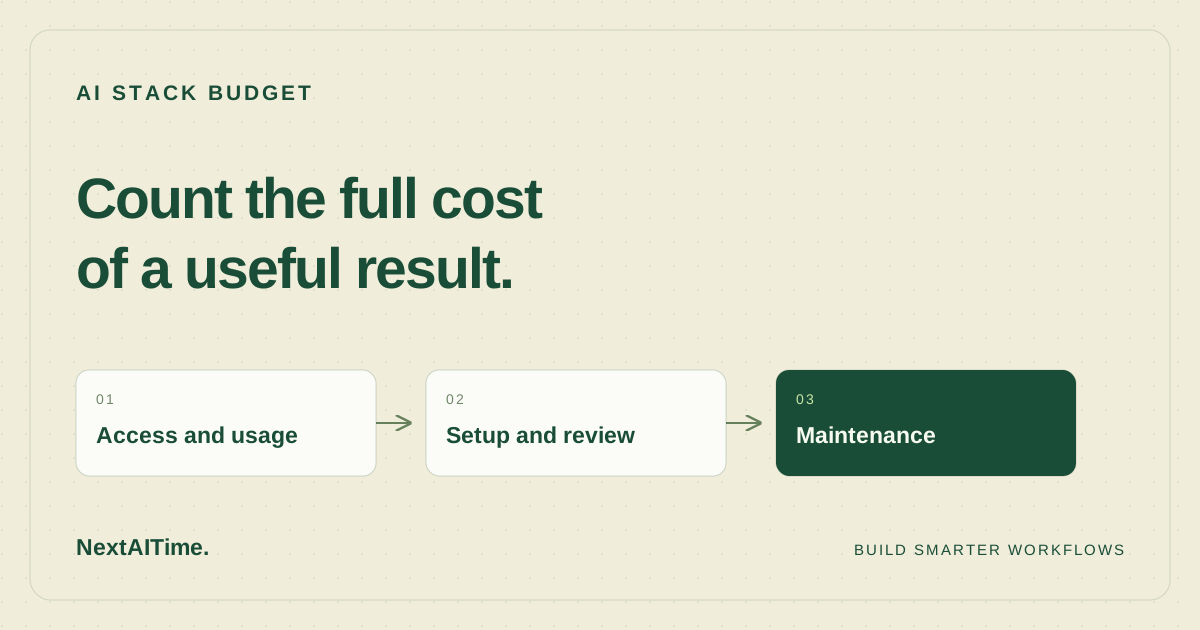
2. Keep four cost buckets
- Access: subscriptions, seats, and minimum commitments.
- Consumption: model calls, hosting, storage, network traffic, or other metered use.
- Implementation: setup, integration, evaluation, and migration.
- Operation: review, error handling, monitoring, and maintenance.
Do not mix a one-time setup cost with a recurring monthly charge without labeling it. If you assign a dollar value to your own time, show the rate as an assumption. It is still useful to record the hours separately.
3. Measure a small pilot
Choose a bounded task and record the entire run. Include unsuccessful attempts, repeated calls, manual corrections, and time spent checking the output. The cost of one successful response can be smaller than the cost of producing one usable result.
Use a simple log with the task ID, date, provider and plan, available usage units, reported charges, review time, and outcome. If the provider does not expose a cost, mark it unknown; do not convert an estimate into an invoice figure.
Repeat with more than one example before extrapolating. A short request and a large repository task may have very different resource needs. Keep those workloads separate until the data supports combining them.
4. Define a spending boundary
Use billing alerts and hard limits where the provider actually supports them. An alert is not necessarily a spending cap. Confirm how each control behaves, and establish who responds when a threshold is reached.
At the workflow level, limit retries, parallel jobs, and task size. Decide whether a task should stop, request a smaller input, or wait for approval when its budget is exhausted. Avoid silently moving to another paid service to bypass the boundary.
Keep credentials scoped to the work they support, and remove access when an experiment ends. A forgotten integration can remain both an operational responsibility and a source of charges.
5. Review value alongside cost
Compare the resulting work with the process you used before. Did the tool reduce repetitive effort? Did it create more review work? Is the quality acceptable for the task? Cost alone does not answer whether the workflow is useful.
Review the assumptions after a complete cycle of use. Keep the tool, narrow its purpose, change the configuration, or stop the experiment based on observed results. Also consider export options and the effort required to move away; those details matter before the workflow becomes difficult to replace.
If you are still choosing an assistant, use our evaluation checklist. For connected workflows, define the handoffs and stopping rules before committing to a larger stack.