1. Give the action a stable identity
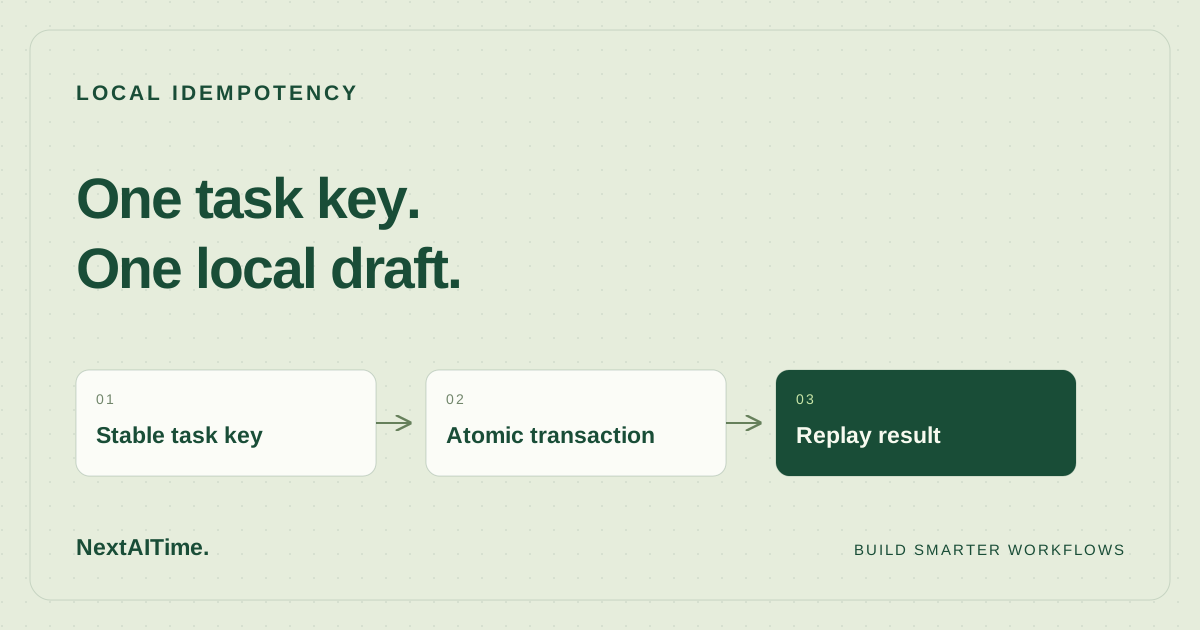
A webhook can arrive twice. A worker can finish its task and lose the response before the caller receives it. If the caller retries, an ordinary insert creates another draft. An idempotency key lets the handler recognize the same requested action and return its saved result.
Use an event identifier assigned before the first attempt, such as evt-42, and preserve it through retries. Do not generate a fresh UUID inside each retry. Different intentional actions need different keys even when their text matches. In a shared service, scope the key to the tenant and operation so unrelated callers cannot collide.
This example accepts one payload field, body. It stores a canonical JSON representation alongside the key. Reusing a key with different text raises a conflict rather than silently returning a result for another request. Exact text matters: whitespace and capitalization changes count as different payloads.
2. Download and run the local example
You need Python 3.11 or later with its standard-library sqlite3 module. The recorded test used Python 3.11.2 and SQLite 3.40.1 on Linux. No package installation, model account, or API key is required. Download workflow.py and test_workflow.py into the same new directory:
mkdir workflow-idempotency
cd workflow-idempotency
curl -fLO https://nextaitime.com/examples/workflow-idempotency/workflow.py
curl -fLO https://nextaitime.com/examples/workflow-idempotency/test_workflow.py
python3 workflow.py drafts.sqlite3 evt-42 Hello
Downloading the files uses the network; executing this example creates only a local SQLite database. On a fresh database the command prints:
{"draft_id": 1, "status": "draft"}The draft is a row in the drafts table, not a message sent to anyone. Keep the database between attempts: deleting it also deletes the memory of completed events. Use a fresh directory to reproduce the numeric IDs shown here.
3. Keep the effect and result in one transaction
Open the downloaded source before running it in a workflow. The handler starts with BEGIN IMMEDIATE, checks the event table, and either returns an existing result or inserts a draft followed by the event record. Both inserts commit together. The important sequence is:
BEGIN IMMEDIATE
look up event_id
if found: compare payload and load saved result
otherwise: insert draft and save event_id, payload, result
COMMIT
This is a reading outline; the downloadable Python file contains the executable implementation and parameterized SQL. The event ID is a primary key. Checking it within the write transaction prevents a second writer from slipping another draft between the lookup and insertion.
The connection disables implicit transaction opening and uses explicit SQL transaction statements. On newer Python versions it also explicitly selects the legacy transaction-control mode that makes this setting effective. An exception triggers a rollback when a transaction remains active, and the connection closes afterward.
Saving the result matters as much as recording completion. A retry gets the original draft ID even if other events have since created drafts. A failure after commit but before printing the response can be recovered by replaying the same key and payload against the same database.
4. Verify replay and reject changed requests
Run the original command again, then change the payload while retaining the key:
python3 workflow.py drafts.sqlite3 evt-42 Hello
python3 workflow.py drafts.sqlite3 evt-42 Changed
The first command prints the original result again. The second exits with status 2 and writes this message to standard error:
Conflict: event_id already used with a different payloadDo not respond to this conflict by automatically generating a new key. Investigate whether the caller accidentally changed its request or actually intends a new action. For a genuinely new draft, supply a new event ID.
Run the included checks with:
python3 -m unittest -v test_workflow.pyThe suite runs five tests and finishes with OK. It checks normal creation, replay across separate connections, unchanged data after a payload conflict, distinct events with identical bodies, and rollback after an injected event-insert failure. That final test verifies that a failed bookkeeping insert does not leave an orphan draft.
5. Handle contention and external actions separately
SQLite allows only one simultaneous write transaction. BEGIN IMMEDIATE can encounter a busy database, and the Python connection waits up to five seconds before a lock-related failure. This example surfaces that error; it does not implement a retry scheduler. A production caller should use bounded retries with backoff and jitter for transient lock failures, preserving the original key and payload. A payload conflict is not a transient error.
Keep the transaction short. Do not hold the write lock while waiting for model generation or a human review. Once the action payload is fixed, persist it with its event identity before attempting delivery. Re-generating text during a retry can correctly trigger a payload conflict.
This transaction protects only local database changes. Sending an email or calling an external API inside it does not make that action atomic: the remote service might succeed before the local process crashes. Rolling back SQLite cannot unsend the request. External actions need downstream idempotency support or a reconciliation process for ambiguous outcomes. An outbox can record delivery intent atomically, but its dispatcher still needs to handle repeat delivery.
6. Put the check at the action boundary
Call this handler where a workflow would create its draft, and pass the same event identity through every retry path. Retain event records for the full period in which old requests can return; deleting a record allows that event to create another draft. Protect database backups because both tables contain request data.
For a tool interface, build on our local MCP workflow tutorial. When evaluating hosted orchestration, use the n8n, Zapier, and Make comparison to frame your trial, then test duplicate delivery in your actual workflow. These local checks establish the example’s behavior; they do not establish how a platform retries requests, survives storage failures, or handles concurrent production traffic.
Use the reliable AI workflow guide to place this duplicate check alongside input validation and human review.
Sources & further reading
Primary references used for product and technical information. Features and terms can change; check the provider before committing.
- Python sqlite3 documentationAccessed 2026-10-18
- SQLite transaction documentationAccessed 2026-10-18