Retry one step, not the whole workflow
If a source document cannot be read, retry that read. Do not restart the surrounding workflow after it has already created a draft or sent a notification. A retry boundary should be small enough that you can explain what happens if the same operation runs twice.
This example simulates loading source text before drafting a response. It performs no network requests and does not call an AI service. The operation either returns a string or raises an exception that we classify. That keeps the retry behavior visible without requiring an account or spending money.
Use it alongside the workflow design guide: identify the input, result, failure state, and owner before deciding which failures deserve another attempt.
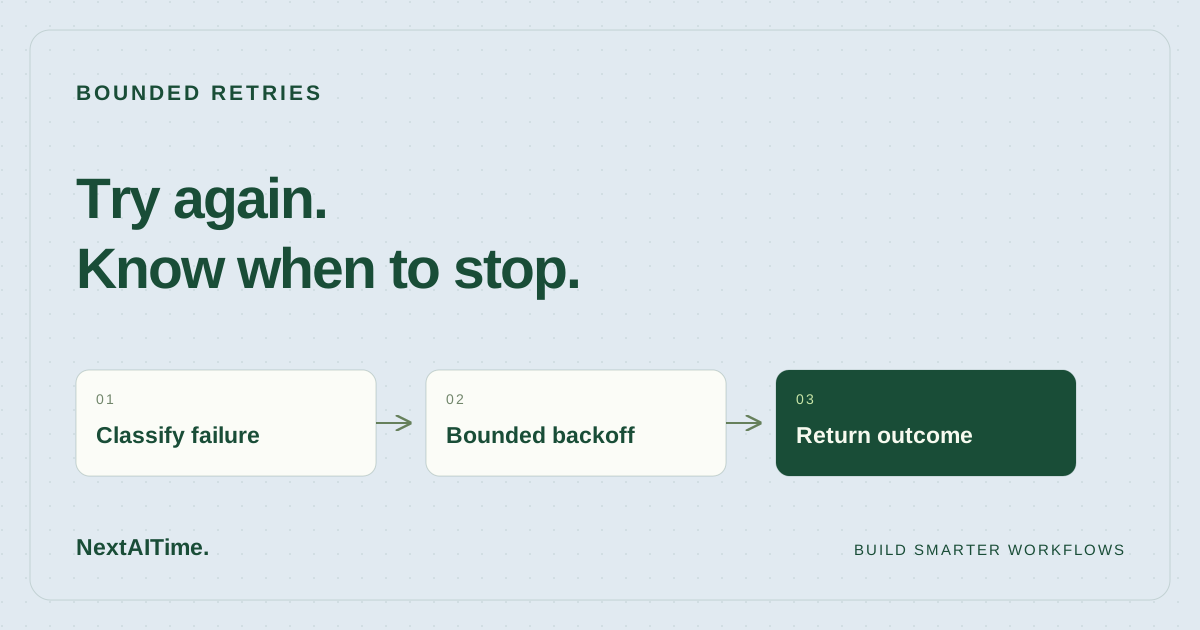
Decide which failures are worth another attempt
Our wrapper catches only TemporaryFailure. Everything else leaves the wrapper immediately. In the demo, an unavailable source is temporary; a ValueError represents invalid input. These are deliberately chosen categories in our code, not a universal classification of errors from external services.
When integrating a provider, map its documented errors deliberately. A malformed request normally needs a correction, not a second identical request. An exhausted account allowance may need a billing decision. A timeout after a write is ambiguous: the destination may have accepted the action even though the caller did not receive a response.
For a write with an uncertain outcome, inspect the destination or use a supported idempotency mechanism. The local idempotency tutorial shows how to prevent duplicate local draft creation, and explains why that is different from guaranteeing a remote action happens once.
Count attempts and waiting time explicitly
The default policy allows three total attempts, including the first call. After the first temporary failure it waits 0.5 seconds; after the second it waits 1 second. If the third attempt fails, it stops without another sleep. The per-wait cap is 2 seconds, although this three-attempt example never reaches it.
RetryPolicy(
    max_attempts=3,
    max_elapsed=10.0,
    base_delay=0.5,
    delay_cap=2.0,
)
The wrapper checks elapsed time with time.monotonic(). Python documents this as a clock that cannot go backward and is unaffected by system-clock updates. Elapsed durations should not depend on a wall-clock correction.
The time budget is a gate on starting another attempt. If the next wait would use all the remaining budget, the wrapper stops instead. It does not interrupt a call already running. A call that takes 30 seconds and returns successfully can therefore return after a 10-second retry budget. Real integrations also need a timeout on the underlying operation and a decision about whether a late result is still usable.
Run the demo without API credentials
Use Python 3.11 or later for this example. We ran the accompanying suite on Python 3.11.2 with no third-party packages. Download both files into the same directory:
mkdir bounded-retry-demo
cd bounded-retry-demo
curl -fLO https://nextaitime.com/examples/bounded-retries/retry_demo.py
curl -fLO https://nextaitime.com/examples/bounded-retries/test_retry_demo.py
python3 -m unittest -v
python3 retry_demo.py
The demo fails twice, then returns:
draft source loaded; attempts=3The complete files are also available directly: retry_demo.py and test_retry_demo.py. Read the wrapper and its exception categories before adapting them. It is a small synchronous example, not a production job runner.
Test that the workflow stops when it should
Successful retries are only one case. The seven included tests also check that a persistent failure stops after three attempts, a permanent error propagates, an unaffordable wait is rejected, a one-attempt policy never sleeps, and longer policies respect the delay cap. Another test deliberately lets an operation run past the time budget and verifies that the wrapper cannot interrupt it.
The tests inject a fake clock and sleep function. That lets them check the requested waits directly instead of waiting for real time to pass. The suite passed locally. It does not establish that a live provider will fail in the same way, honor a timeout, or recover within a particular time.
If you change the wrapper, preserve the failure tests. For a code change proposed by an assistant, also confirm the test catches the behavior it is meant to prevent; our regression testing tutorial demonstrates that check.
Add the controls your real service requires
Deterministic waits make this example easy to test. They are a poor default for a fleet of workers that all fail together: aligned retries can create another burst of load. A real integration may need randomized jitter and a documented retry delay from the service. Neither is implemented here. Verify those requirements in the documentation for the destination you actually use.
Keep one layer responsible for the overall retry budget. If an SDK makes three total attempts and your workflow attempts the entire SDK call three times, the underlying service may receive up to nine attempts. Check the SDK configuration before adding a second wrapper; do not assume one visible call means one billable request.
For each job, record a task ID, attempt count, classified failure, and final outcome. Record reported cost where available; otherwise mark it unknown. After exhaustion, return a clear failure to the caller rather than silently switching providers or restarting a larger workflow.
Before connecting a model, run the same ordinary, missing-input, permanent-failure, and prolonged-failure cases you would use for any other dependency. Then compare the cost per usable result, including failed calls and review effort. Retries earn their place only when they improve that result without hiding a broken input or repeating an action.
Sources & further reading
Primary references used for product and technical information. Features and terms can change; check the provider before committing.
- Python documentation: time.monotonic()Accessed 2026-10-18
- Python documentation: unittestAccessed 2026-10-18